
Spacebar Clicker Test
A clean online spacebar speed test built for short keyboard tapping rounds, quick score checks, and low-friction replay
Press space to begin
Keep this tab focused, then press your keyboard space bar to start. On touch devices, tap the key below instead.
🎯 How to Play
This space bar clicker test is a lightweight keyboard speed test. It counts how many valid spacebar presses you can make in a short round and turns that into an easy taps-per-second benchmark.
- Choose a round length: 5, 10, or 30 seconds
- Press the space bar on your keyboard, or tap the on-screen key on touch devices
- The timer starts on your first valid press
- Finish the round and compare your taps, average rate, and local best
Leaderboard
The public leaderboard tracks 10-second mode only, ranked by average spacebar presses per second.
Cognitive Benefits
Keyboard Rhythm
Short rounds make it easy to compare how steadily you can repeat a simple input pattern without losing tempo.
Burst Speed
The 5-second round is useful for testing quick tapping power, while longer rounds show whether your speed holds up.
Fast Reset
Because each round is brief, it works well as a quick motor warm-up before a longer focus session or another speed test.
The Science Behind the Game
What This Spacebar Test Actually Measures
FAQ
Related Games
 Reaction Time
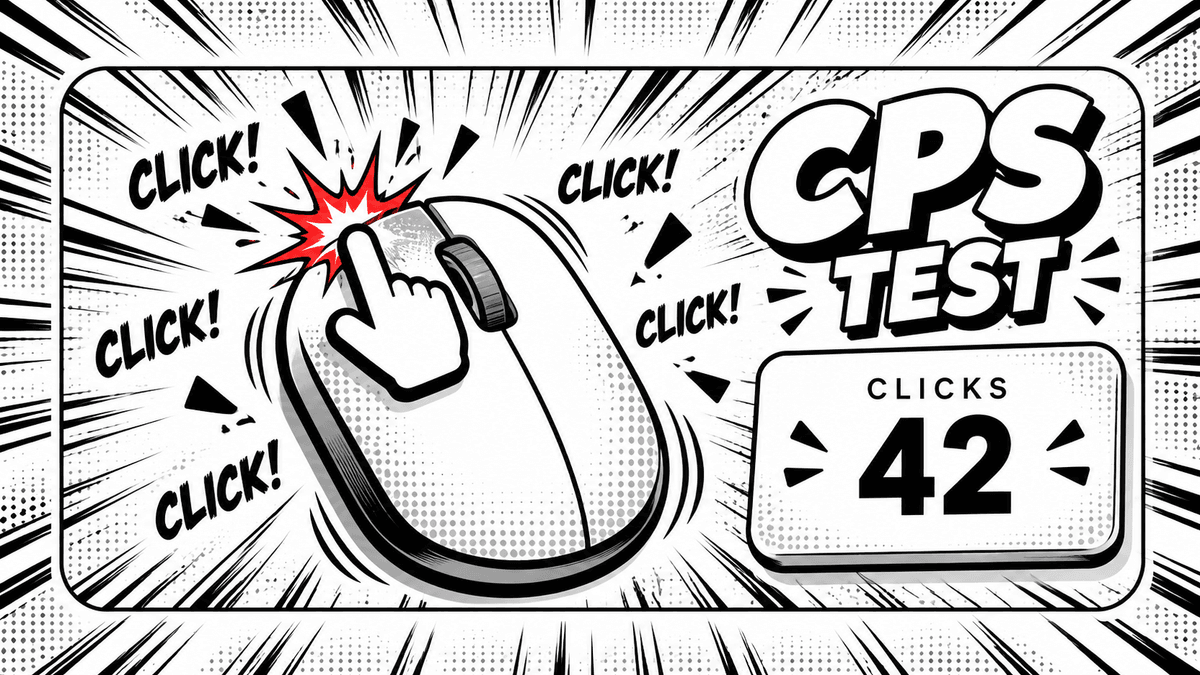
CPS Test (Click Speed Test)
Curious how fast you can click? Use this free online CPS test to measure your click speed, mouse clicking rhythm, and burst clicking power across 1s, 3s, 5s, and 10s modes.
 Reaction Time
 Test
Use this free online reaction time test to check how quickly you respond to a visual signal and compare your result against common averages.
 Reaction Time
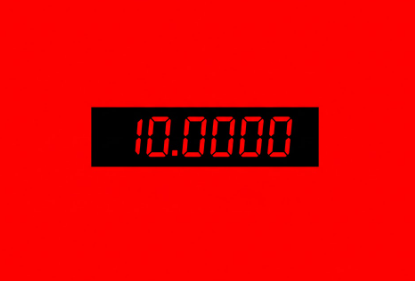
10 Second Challenge Online
Play this 10 second timer challenge game online. Start the timer, stop at exactly 10.0000 seconds, and see how close your internal clock can get.